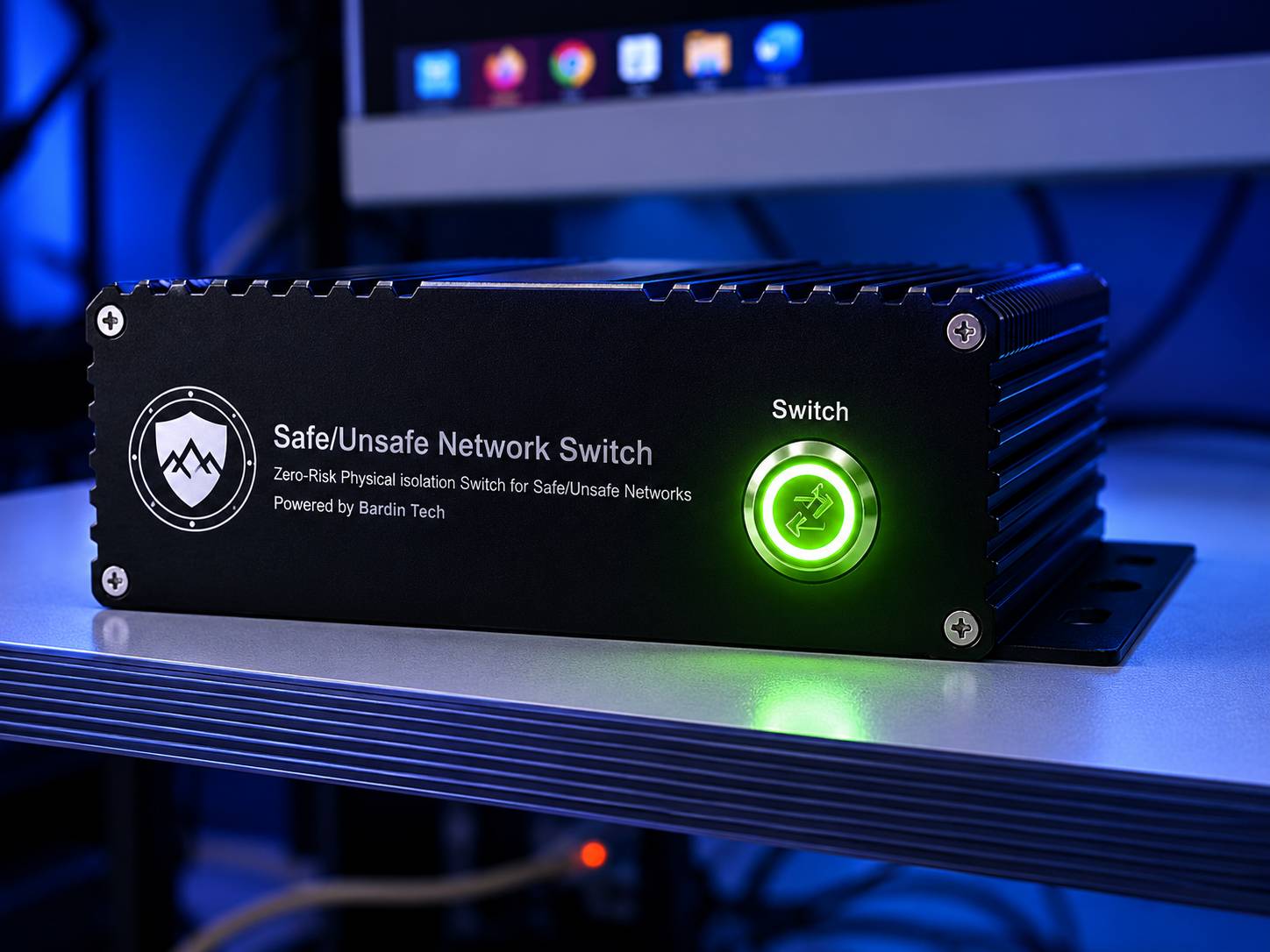
A compact physical isolation switch for controlled network access.
Unlike software gateways, VLAN policies, firewall rules, or routing controls, Bardin Gate Light focuses on one job: selecting a single physical network path at a time.
Physical Layer 1 Switching
Path selection is implemented at the Ethernet physical interface level using dedicated switching hardware.
Single Active Path
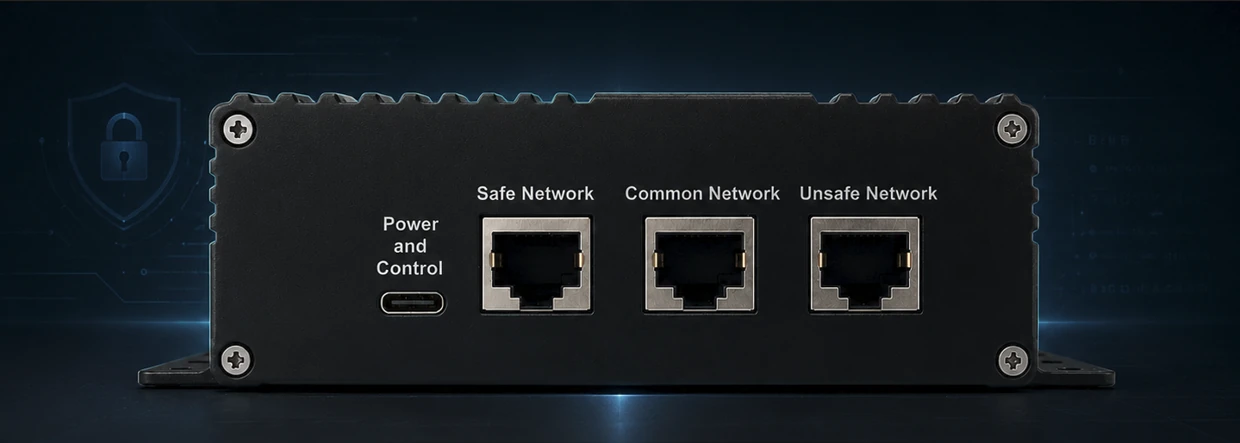
The Common Network interface connects to Safe or Unsafe, never both at the same time.
USB Serial Control
Control is provided through a USB Type-C interface exposed to the host as a USB serial device.
Security-Sensitive Design
Designed for restricted-access, air-gapped, operational, and sensitive network environments.
No shared path. No unintended bridge.
Bardin Gate Light is built to prevent unintended or uncontrolled connectivity between isolated network segments. The Safe and Unsafe interfaces cannot be directly connected to each other through the device during normal operation.
When power is applied, the device initializes in Safe Network mode, providing a predictable default state for sensitive deployments.
Why software isolation is not always enough.
Firewalls, ACLs, VLANs, and routing policies are valuable, but they still operate as software or configuration-controlled mechanisms. Bardin Gate Light adds a physical selection layer for cases where strict separation must be visible, deterministic, and hardware-enforced.
Beyond Firewall Rules
Traffic policy mistakes or rule changes cannot create a software forwarding path inside Bardin Gate Light.
Beyond VLAN Boundaries
The device is not a VLAN device and does not depend on logical tagging or switching policies.
No Packet Processing
No routing, filtering, inspection, bridging, NAT, or software forwarding is performed.
Hardware Path Control
Network state is defined by physical connectivity, not by dynamic software policy.
Deployment scenarios
Bardin Gate Light is suitable for controlled switching between isolated environments where operational procedures require one network side to remain disconnected while the other is active.
Air-Gapped Networks
Controlled temporary connection between an isolated host and a selected network path.
Industrial / OT Zones
Physical separation for sensitive operational systems and maintenance access workflows.
Secure Labs
Controlled transitions between test, analysis, and restricted network environments.
Restricted Access Sites
Use in sites where deterministic physical connectivity is required by procedure.
How it works
Connect
Connect Safe, Common, and Unsafe Ethernet interfaces and attach the USB Type-C control/power interface.
Detect
The host system detects the device as a USB serial interface. FTDI VCP drivers may be used where required.
Switch
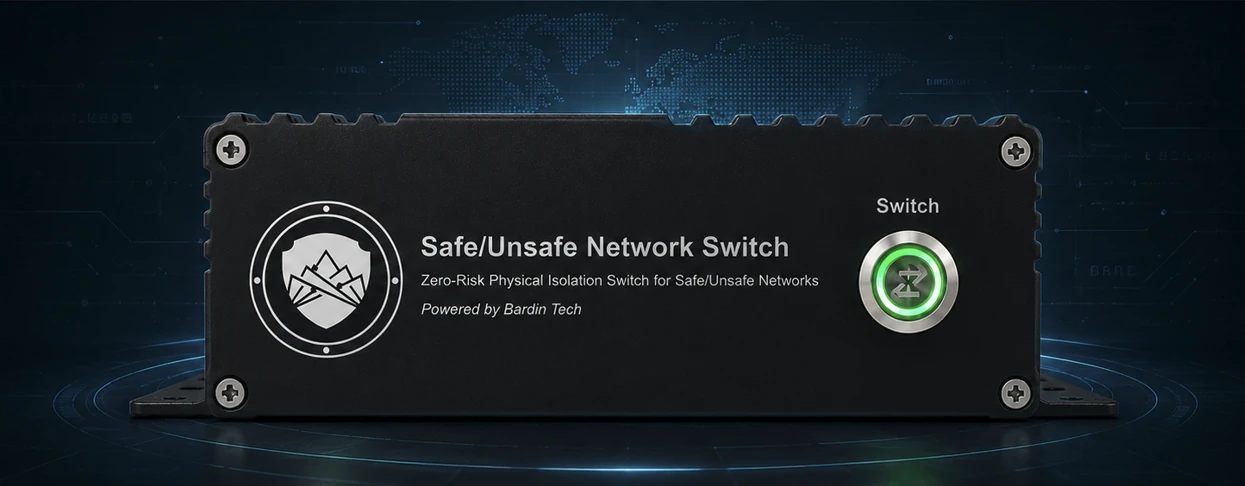
Select Safe or Unsafe path through the control application or through the front panel switch button on supported models.
Technical snapshot
Download center
Access product documents, technical information, and required driver resources.
User Manual
Installation, safety information, operation notes, and troubleshooting guide.
Request ManualDatasheet
Product overview, interfaces, technical specifications, and deployment notes.
Request DatasheetFTDI VCP Driver
Official FTDI Virtual COM Port driver page for supported operating systems.
Driver DownloadFAQ
Is Bardin Gate Light a normal Ethernet switch?
No. It is a physical Layer 1 network path selector. It does not perform packet switching, routing, or bridging.
Can Safe and Unsafe networks be connected at the same time?
No. The architecture is designed so that the Common Network interface is connected to only one selected path at a time.
What happens after power-up?
The device initializes in Safe Network mode.
Does it need a driver?
Depending on the host system, FTDI VCP drivers may be required. Online Windows systems may install them automatically; restricted or offline systems may require manual installation.